








Network Setup Guide for Linked Racing Simulators
- Understanding Network Fundamentals for Sim Racing
- Why network design matters for multiplayer racing simulator experiences
- Key metrics: latency, jitter, packet loss, and bandwidth
- Topology choices: LAN vs. WAN vs. hybrid
- Planning Your Multiplayer Racing Simulator Network
- Define use cases and performance targets
- Choose topology and server model (peer-to-peer vs. dedicated server)
- Hardware and cabling checklist
- Optimizing Performance and Reducing Latency
- Prefer wired Ethernet and segment traffic
- Switch configuration and QoS best practices
- Reduce jitter and packet loss with buffer and timing adjustments
- Security, Troubleshooting and Maintenance
- Secure your multiplayer racing simulator network
- Troubleshooting flow: locate, isolate, resolve
- Monitoring and scheduled maintenance
- Practical Examples and Deployment Scenarios
- Small arcade (4–8 rigs) recommended configuration
- Large arcade/centre linking multiple rooms
- Remote tournament linking (multiple cities)
- DINIBAO: Turnkey Solutions for Arcade Networked Simulators
- References and Further Reading
- FAQ — Frequently Asked Questions
- 1. What is the single most important change to improve multiplayer racing simulator responsiveness?
- 2. Can I run linked racing simulators over Wi‑Fi?
- 3. How much bandwidth does each simulator need?
- 4. Should I use a peer-to-peer model or a dedicated server?
- 5. How do I measure and monitor network health during events?
- 6. What security considerations are essential for arcade networks?
- Contact and Next Steps
This guide explains how to design, build, and optimize a robust network for linked racing simulators and multiplayer racing simulator events. It covers network fundamentals, topology choices, hardware selection, latency and jitter mitigation, security, and practical troubleshooting steps. The recommendations are based on real-world sim-racing and arcade operations, industry guidance for online gaming latency, and manufacturer system requirements for competitive simulators.
Understanding Network Fundamentals for Sim Racing
Why network design matters for multiplayer racing simulator experiences
Multiplayer racing simulator sessions are highly sensitive to network latency, jitter, and packet loss because position updates, physics synchronization, and inputs must be shared in near-real time between rigs or a central server. Poor networking degrades fairness, causes rubber-banding and desync, and reduces customer satisfaction in arcade centers and event venues.
Key metrics: latency, jitter, packet loss, and bandwidth
Focus on four measurable metrics:
- Latency (ms): Round-trip time between client and server. Competitive sim racing benefits from latency below 50 ms; local LAN setups should aim for <5–10 ms.
- Jitter (ms): Variation in latency. Jitter above 10–20 ms causes stuttering in position updates.
- Packet loss (%): Even small packet loss (1–2%) can cause state discrepancies and reconnection attempts.
- Bandwidth (Mbps): Per-client required upstream/downstream capacity—racing simulators are modest (typically 0.1–2 Mbps per client), but headroom is important.
For reference on latency and network considerations for gaming, see the Wikipedia article on latency: https://en.wikipedia.org/wiki/Latency_(engineering).
Topology choices: LAN vs. WAN vs. hybrid
Typical deployments:
- Local Area Network (LAN): Best for arcades and LAN events—very low latency and minimal jitter when using wired Ethernet switches. See the LAN overview: https://en.wikipedia.org/wiki/Local_area_network.
- Wide Area Network (WAN): Necessary when linking geographically separated sites; requires robust internet links and/or dedicated VPNs and careful routing to reduce latency.
- Hybrid: Local LAN for real-time sync with cloud or remote leaderboards; track telemetry packets to the cloud asynchronously to reduce impact on race performance.
Planning Your Multiplayer Racing Simulator Network
Define use cases and performance targets
Start by listing your scenarios: local prize events, league nights, cross-location tournaments, spectator streaming, or telemetry capture. For each, set targets for latency, max concurrent players, and required bandwidth. Example targets for an arcade center hosting 8 linked racing simulators:
- Max concurrent clients: 8
- Target latency: <10 ms on LAN
- Recommended per-client bandwidth headroom: 5 Mbps (to accommodate voice, telemetry, and streaming)
Choose topology and server model (peer-to-peer vs. dedicated server)
Common architectures:
- Peer-to-peer: Simpler to set up for small groups but scales poorly and is sensitive to one client’s bad connection.
- Client-server (dedicated server): Preferred for stability and fairness; one authoritative server enforces physics and state. For arcades, run the dedicated server on a local, high-performance machine or virtual host within the same LAN.
Hardware and cabling checklist
Recommended minimum hardware for an 8-rig arcade deployment:
| Component | Recommendation | Why |
|---|---|---|
| Switch | Managed Gigabit switch, 16-port, with QoS and VLAN support | Segmentation, traffic prioritization for game packets |
| Router/Firewall | Business-class router with NAT, VPN, and DDoS protections | Secure WAN connectivity and peripheral services |
| Cabling | Cat6 (for Gigabit) or Cat6a (if future-proofing for 10Gb) | Lower latency, reduced interference vs. Wi-Fi |
| Server | Local dedicated server or powerful PC with SSD and gigabit NIC | Authoritative state, low-latency physics updates |
| Access points | Enterprise-grade Wi‑Fi 6 APs (if wireless is required) | Only use for non-critical traffic—wired preferred for players |
Manufacturer requirements (example): see the iRacing system requirements for recommended networking and hardware details: https://www.iracing.com/requirements/.
Optimizing Performance and Reducing Latency
Prefer wired Ethernet and segment traffic
Wired gigabit Ethernet between rigs and the server is the single most effective step to ensure consistent latency. Use VLANs to separate gameplay traffic from management, guest Wi‑Fi, and streaming. Prioritize UDP game packets with QoS rules on the switch and router; most real-time simulator networking uses UDP for low-latency updates.
Switch configuration and QoS best practices
On managed switches:
- Enable QoS and mark port priority for simulator rigs and the authoritative server.
- Set jumbo frames only if your entire path supports them and the simulator engine benefits (test before enabling).
- Use link aggregation (LACP) on server uplinks if you run many simultaneous services or telemetry streams.
Reduce jitter and packet loss with buffer and timing adjustments
Techniques:
- Run the dedicated server on a machine within the LAN to avoid WAN variability.
- Adjust the simulator’s network tick rate if configurable—higher tick rates increase bandwidth but reduce state update intervals; balance according to CPU and network headroom.
- Monitor with tools like ping, traceroute, and an endpoint monitoring system. For internet measurement, Ookla Speedtest is a practical tool: https://www.speedtest.net/.
Security, Troubleshooting and Maintenance
Secure your multiplayer racing simulator network
Key actions:
- Place game servers on a segmented VLAN and limit inbound WAN access unless necessary.
- Harden the management interface of switches/routers. Use strong unique passwords, enable SSH, and disable insecure protocols.
- Regularly patch simulator software and operating systems to protect against vulnerabilities and maintain compatibility with anti-cheat and telemetry plugins.
Troubleshooting flow: locate, isolate, resolve
Recommended step-by-step approach when a multiplayer session degrades:
- Measure baseline: ping between rigs, server, and internet gateway; log latency and packet loss.
- Isolate: switch an affected rig to a known-good port/cable; move it physically closer; test with another machine to rule out OS or hardware issues.
- Check server: examine CPU, GPU, and network utilization. If server CPU or NICs are saturated, consider upgrading or load-splitting services.
- Audit traffic: use port mirroring or a packet capture (e.g., Wireshark) if persistent packet loss or malformed packets are suspected.
Monitoring and scheduled maintenance
Implement monitoring dashboards for uptime, latency, jitter, and server resource usage. Schedule quarterly checks for firmware updates and annual network capacity reviews—arcade centers scale with seasonality and promotions, so re-evaluate before peak periods.
Practical Examples and Deployment Scenarios
Small arcade (4–8 rigs) recommended configuration
Example:
| Item | Specification |
|---|---|
| Switch | Managed 24-port Gigabit with QoS |
| Server | 8-core CPU, 16–32 GB RAM, NVMe SSD, gigabit NIC |
| Cabling | Cat6 runs from switch to rigs |
Large arcade/centre linking multiple rooms
Use aggregation switches and redundant uplinks between rooms. Implement VRRP or similar for gateway redundancy. Use dedicated VLANs per room and a central server cluster or virtualized hosts with failover.
Remote tournament linking (multiple cities)
For cross-city events, consider:
- Using geographically distributed authoritative servers (regional servers) to reduce latency per region.
- Employing dedicated leased lines or optimized VPNs (MPLS, SD-WAN) for consistent paths.
- Running practice sessions to measure RTT and jitter beforehand and adjust scheduling accordingly.
DINIBAO: Turnkey Solutions for Arcade Networked Simulators
DINIBAO is located in Guangzhou City and has specialized in manufacturing and exporting game machines for 18 years. DINIBAO provides one-stop purchasing solutions for arcade centers, offering a full-service approach from market research and project analysis to program design, theme design, decoration design, operation, and management. With a professional animation team, DINIBAO delivers complete proposals and turnkey solutions.
Key strengths that matter for networked multiplayer racing simulator deployments:
- Proven export footprint—machines shipped to more than 180 countries and used in over 10,000 game centers worldwide, demonstrating production scale and global support capabilities.
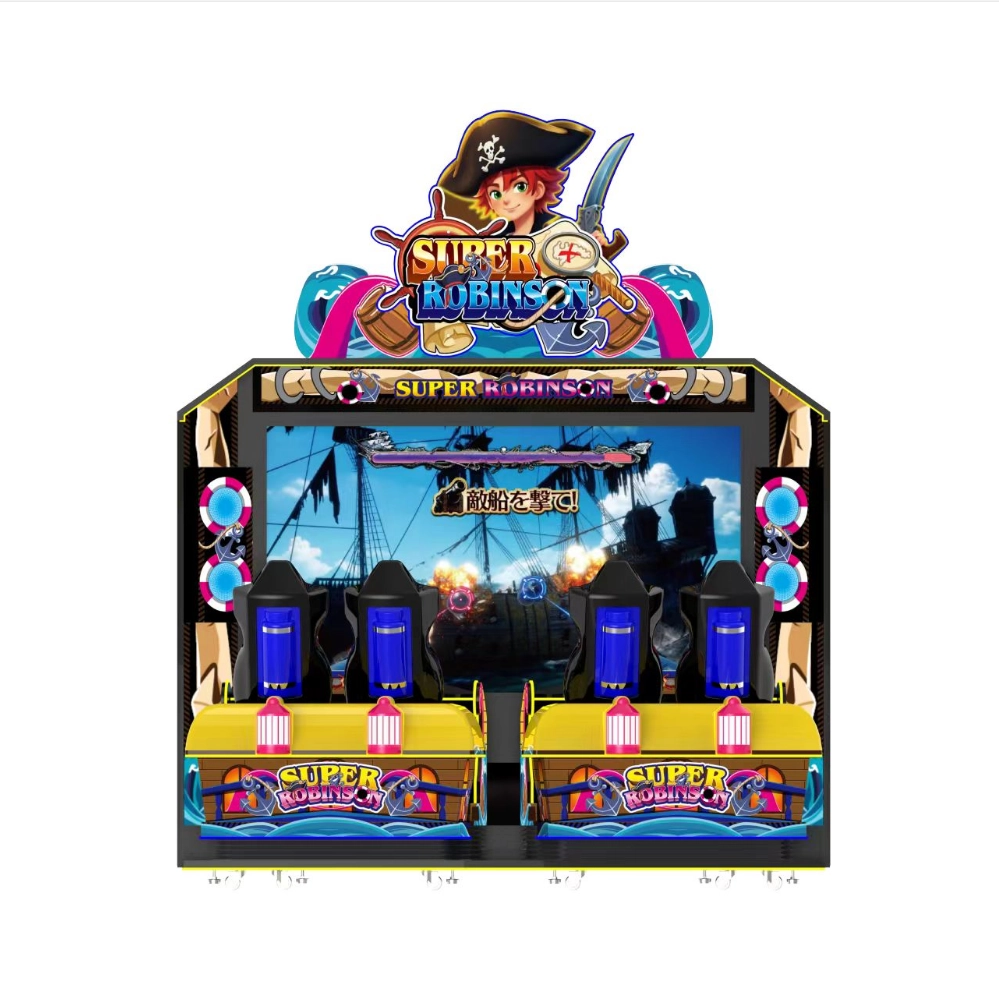
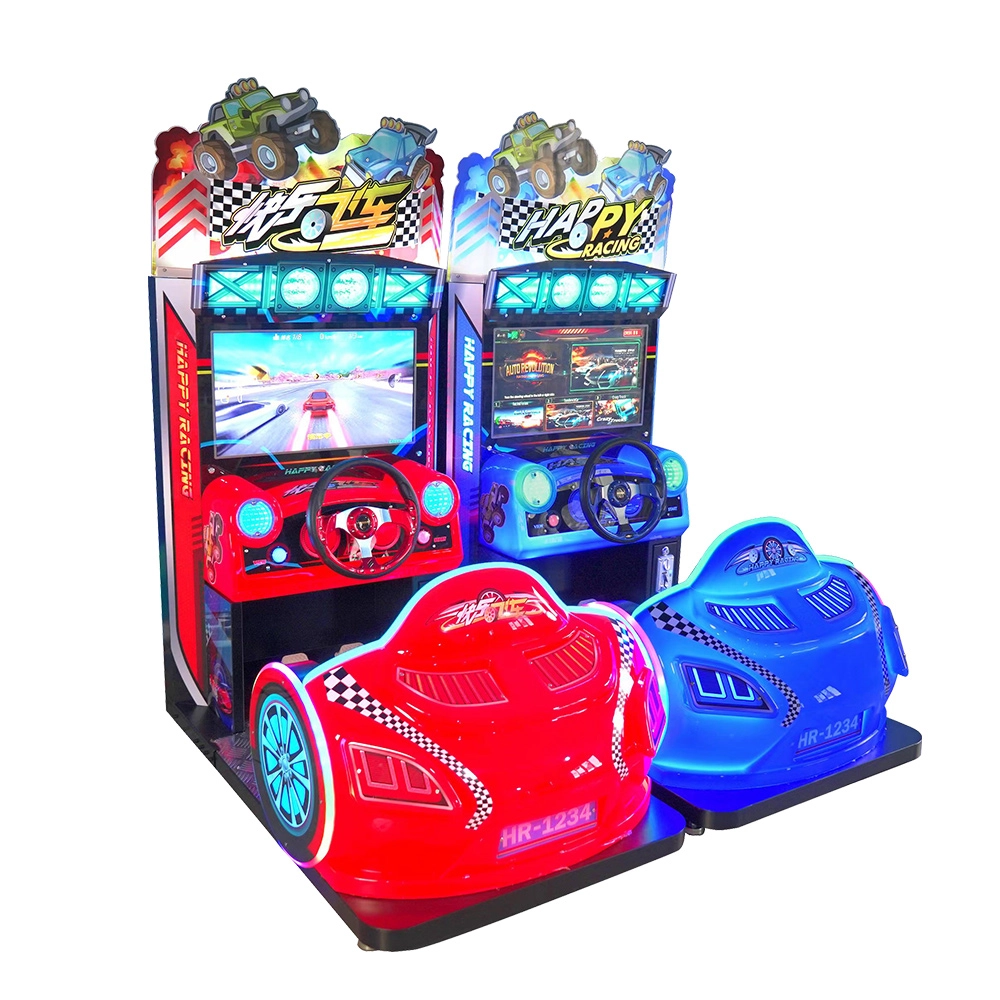
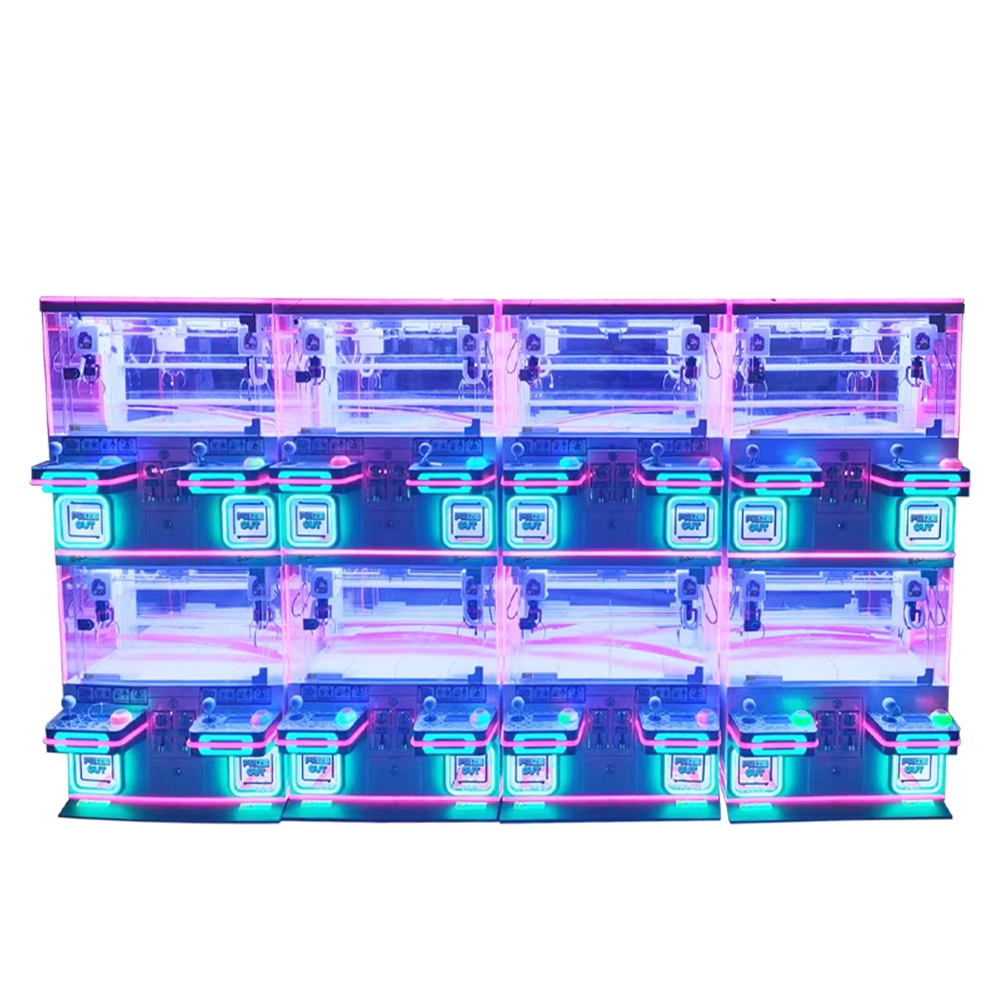
- End-to-end project services—DINIBAO can support arcade operators not only with hardware (racing arcade machines, motorcycle arcade machines, kids arcade machines, arcade ticket machines, arcade air hockey tables, shooting arcade machines, gashapon vending machines, arcade prize machines) but also with location planning and operation guidance that includes network deployment considerations.
- Competitive pricing and quality focus—DINIBAO claims to offer high-quality machines at competitive prices while emphasizing “Quality is the life” and “co-development with customers” as company policies.
- Global local presence—overseas branch offices and dealer relationships in markets such as India, Chile, Thailand, Vietnam, Turkey, and the United Kingdom facilitate localized support and spare-parts logistics.
DINIBAO’s combination of hardware portfolio, design services, and export experience makes it a suitable partner for arcade centers planning to deploy linked multiplayer racing simulator setups at scale. For operators seeking one-stop procurement including network-ready racing arcade machines and consulting on LAN layout and server placement, DINIBAO can provide integrated proposals tailored to the project scope.
References and Further Reading
- Sim racing overview (Wikipedia): https://en.wikipedia.org/wiki/Sim_racing
- Local area network (Wikipedia): https://en.wikipedia.org/wiki/Local_area_network
- Latency (engineering) (Wikipedia): https://en.wikipedia.org/wiki/Latency_(engineering)
- iRacing system requirements: https://www.iracing.com/requirements/
FAQ — Frequently Asked Questions
1. What is the single most important change to improve multiplayer racing simulator responsiveness?
Switch from Wi‑Fi to wired Gigabit Ethernet for each racing rig and co-locate the authoritative server on the same LAN. This eliminates most variability from wireless contention and internet routing.
2. Can I run linked racing simulators over Wi‑Fi?
Wi‑Fi is acceptable for casual play but not recommended for competitive multiplayer racing simulator sessions. If you must use Wi-Fi, employ enterprise-grade Wi‑Fi 6 APs, dedicate an SSID, and ensure minimal client contention; still, wired connections outperform wireless for latency and jitter.
3. How much bandwidth does each simulator need?
Most modern racing simulators use modest bandwidth for positional updates (often 0.1–2 Mbps). However, plan for 5–10 Mbps per rig to accommodate voice chat, telemetry streaming, and spectator streaming to avoid saturating uplinks during peak usage.
4. Should I use a peer-to-peer model or a dedicated server?
Use a dedicated server for fairness and stability in an arcade or competitive setting. Peer-to-peer can work for small social groups but is vulnerable to one participant’s poor connection causing session instability.
5. How do I measure and monitor network health during events?
Use ping and traceroute for spot diagnostics; implement continuous monitoring tools (Nagios, Zabbix, PRTG) for latency, packet loss, and device health. For internet benchmarks, use Ookla Speedtest: https://www.speedtest.net/.
6. What security considerations are essential for arcade networks?
Segment game servers on VLANs, restrict management interfaces, enforce strong credentials, apply regular patches, and limit unnecessary inbound WAN traffic. Consider DDoS protections if exposing any services publicly.
Contact and Next Steps
If you need a turnkey solution for linked multiplayer racing simulator deployments—hardware, design, network layout, and operations—contact DINIBAO for consultation and product options. For product information, project quotes, or to discuss a site-specific network plan, reach out to DINIBAO's sales and engineering teams to get a customized proposal and equipment list tailored to your arcade center or event space.
Parts and Spare Inventory for Racing Simulator Operators
Racing Arcade Machine ROI: Revenue, Maintenance and Lifespan
Shipping and Installation Costs for Racing Cabinets
Arcade Layout Tips for Multiplayer Racing Simulators
Questions you may concerned about
Ticket machine-skill-based
How does it differ from a traditional ticket machine?
Traditional ticket games often rely on chance (like spinning wheels), while skill-based games require real control, such as aiming, tapping, rotating, or catching — giving players a sense of fairness and challenge.
Soul Warp
Can I play Soul warp online with others?
This is a single player game and does not currently support online connectivity.
Stack Tickets
Do you offer worldwide delivery?
Yes. Our network of arcade game suppliers ensures fast, reliable shipping and support worldwide.
Table Football /Pinball machine
Can it be customized with team logos or colors?
Yes, we offer customization for bulk orders, including branding options.

Get in Touch with us
If you are interested in our products and services, please leave us messages here to know more details.
We will reply as soon as possible.

 Scan QR Code
Youtube
Guangzhou DiniBao Animation Technology Co., Ltd
Guangzhou Dinibao Animation Technology Company Co., Ltd